Drive your Editor with AI.
Claude Bridge for Unity turns your running Unity Editor into ~300 AI-callable tools over the Model Context Protocol: create, build, see, and verify, all inside the Editor you already have open.
300 tools100% localany MCP client
Unity Asset Store: coming soonDownload the free proxy
Why it's different
Built for game development specifically, not a thin remote-procedure layer.
Built for game dev
Scaffolds, NPC & worldgen tools, scene composition, and a screenshot-driven verify loop, not just generic get/set.
Survives domain reloads
With the stdio proxy, a normal recompile never drops the AI's session.
Client-agnostic
Claude Code & Desktop, ChatGPT/Codex, Cursor, Windsurf, Cline, Zed, or anything else that speaks MCP. The model behind it doesn't matter.
Two transports
HTTP (zero extra downloads) or a self-contained stdio proxy.
Honest results
Every mutating tool verifies its change took effect before reporting success. No silent failures.
Reflection-grounded
The bridge reads Unity's real API surface, so tools reflect your installed version, not stale assumptions.
Extensible
Tag your own public static methods [McpTool] and they appear as callable tools automatically.
Local & private
Binds 127.0.0.1. Your project never leaves your machine.
300 tools across 38 families
Scene & objects
GameObjects, transforms, components, hierarchy, prefabs, scene composition
Look & feel
Materials, lighting, light baking, atmosphere, cameras, post/SRP volumes
Motion & FX
Animation, particles, audio, Cinemachine
World
Terrain, worldgen, NavMesh, physics
Systems
Input System, networking, UI & UI layout
Code
Create/edit C# scripts, reflection, runtime inspection, diagnostics, compile errors
See & test
Screenshots, visual verification, playmode control, in-play simulation
Make a game fast
Gameplay scaffolds (health/pickups/interactables/loot/objectives/economy/day-night), NPC tools
Get started
Import the Editor package, then connect your AI client one of two ways:
HTTP: no extra download
In Unity: Window ▸ Claude Bridge ▸ Options → enable the HTTP endpoint, then point your client at the shown URL.
{ "mcpServers": { "claude-bridge-unity":
  { "type": "http", "url": "http://127.0.0.1:17321/mcp" } } }
stdio: survives recompiles
Download the free, self-contained proxy for your OS, then register it with your client.
Proxy downloads (Win · macOS · Linux) →Using Claude Code? Install the plugin
One command adds the MCP registration + skill workflows:
claude plugin marketplace add LouSputthole/claude-bridge-unity-proxy
claude plugin install claude-bridge-unity@claude-bridge-unity
Requires Unity 2022.3 LTS+ (developed on Unity 6.4). An MCP-capable AI client is sold separately or free, but not included.
See it in action
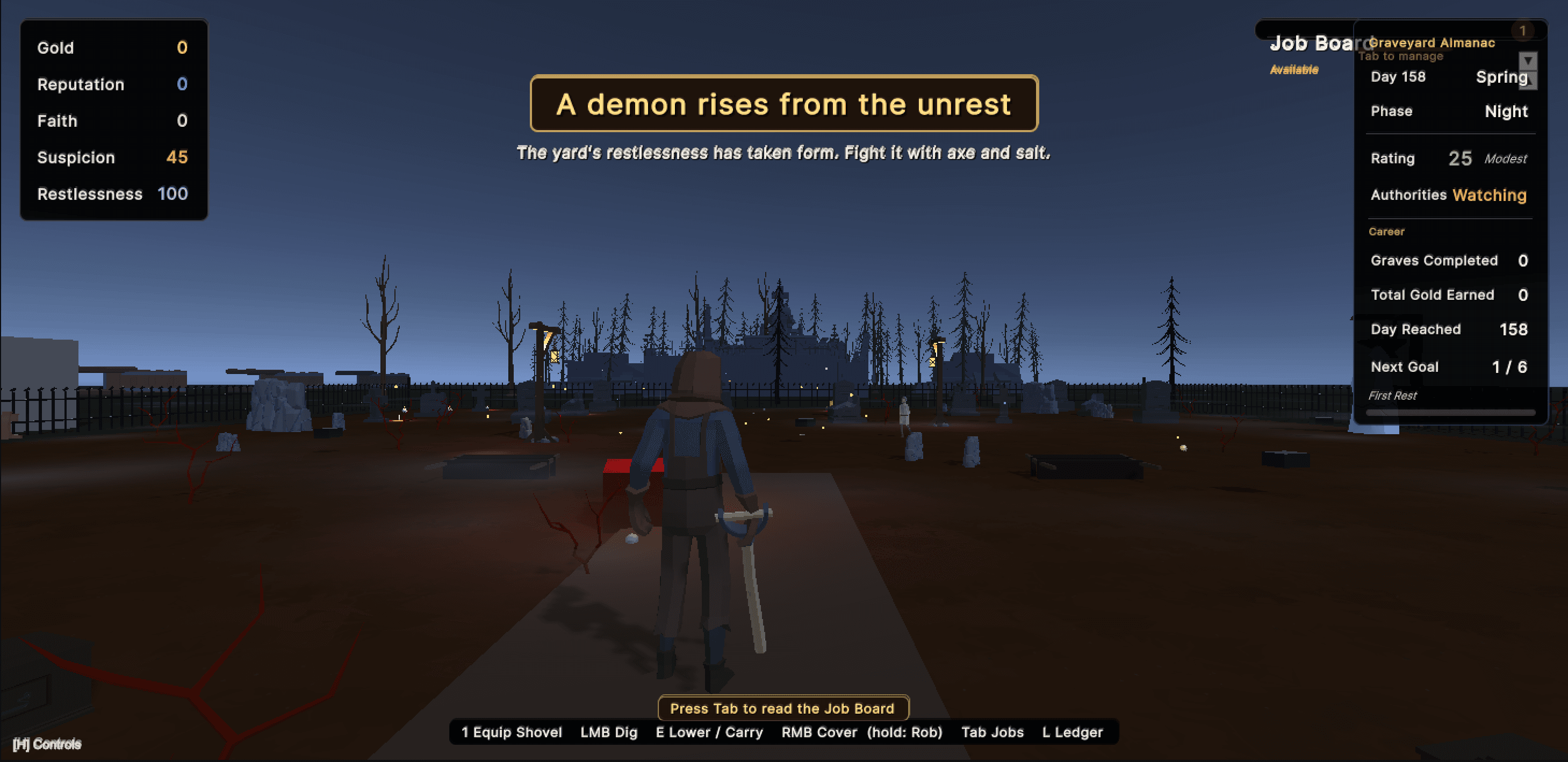
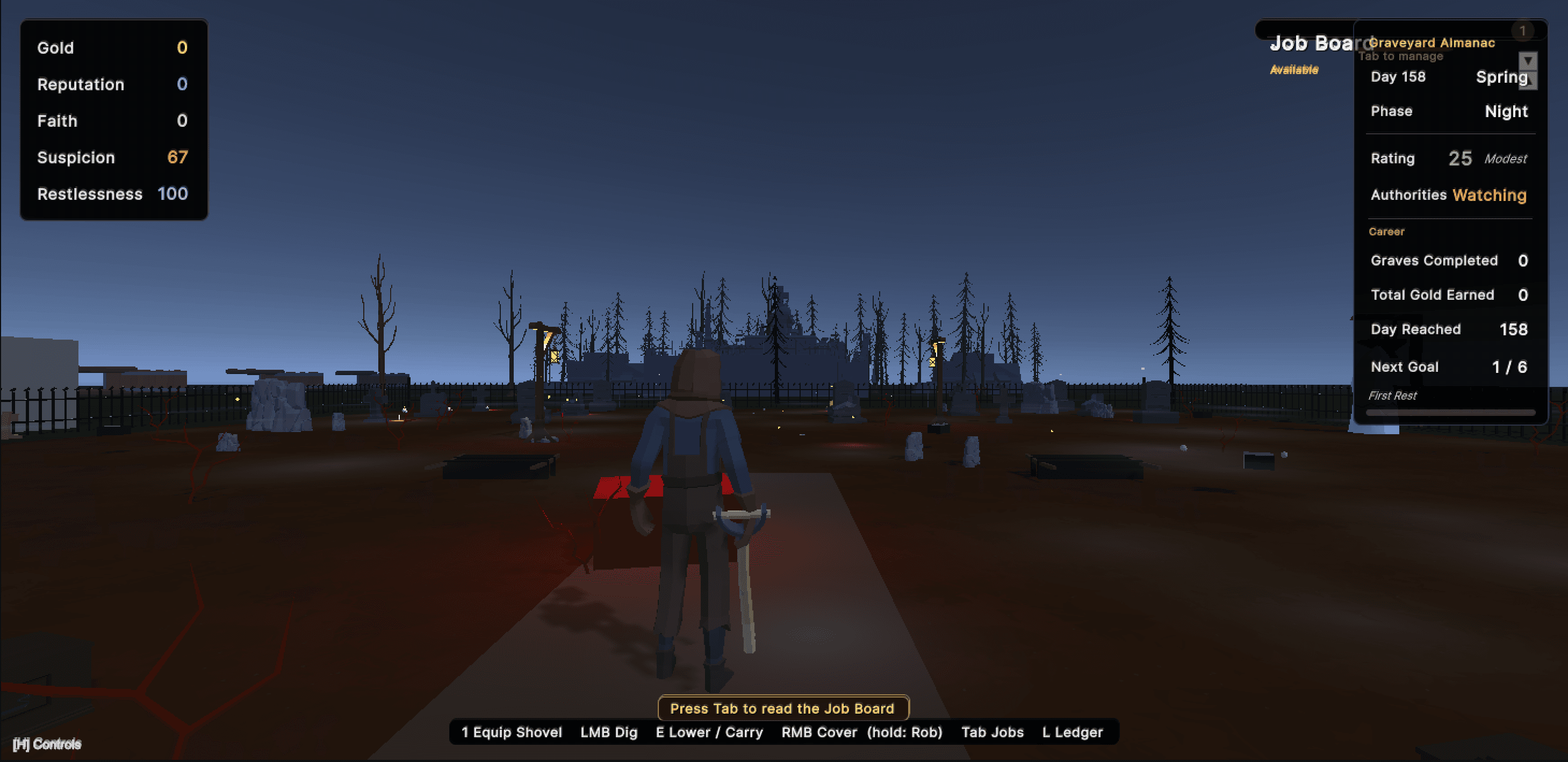
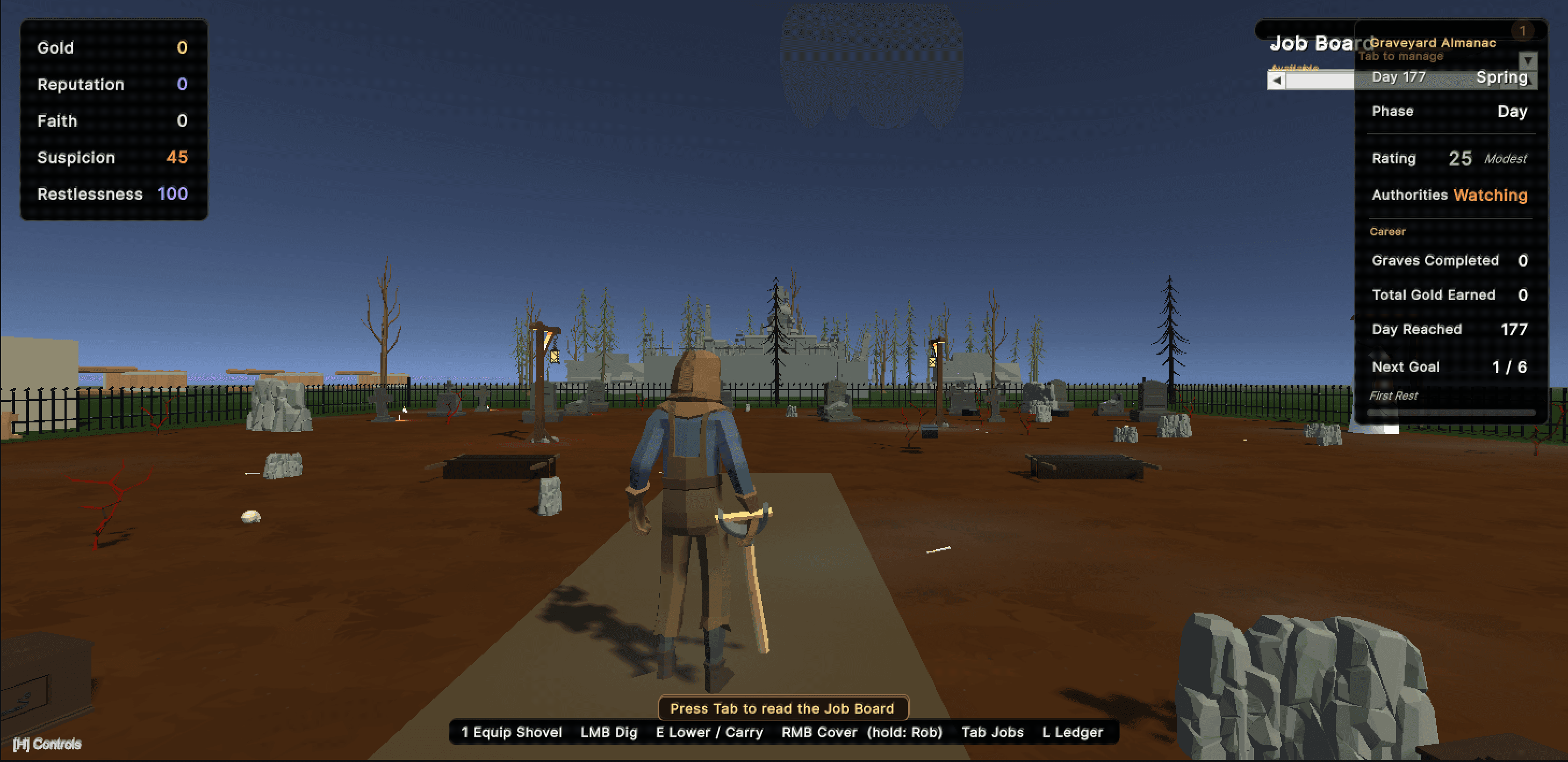
A full game running in the Unity Editor, built and driven through the bridge.